
What Is a PDF? Uses, Advantages, and Limitations Explained
A clear guide to PDF files, fixed layouts, document sharing, editing limits, scans, and useful conversion workflows.

Patrick writes about PDFs, documents, and web publishing formats for SwiftSave. He focuses on the boring failure points: layout shifts, broken uploads, and files that work in one tool but not the next.
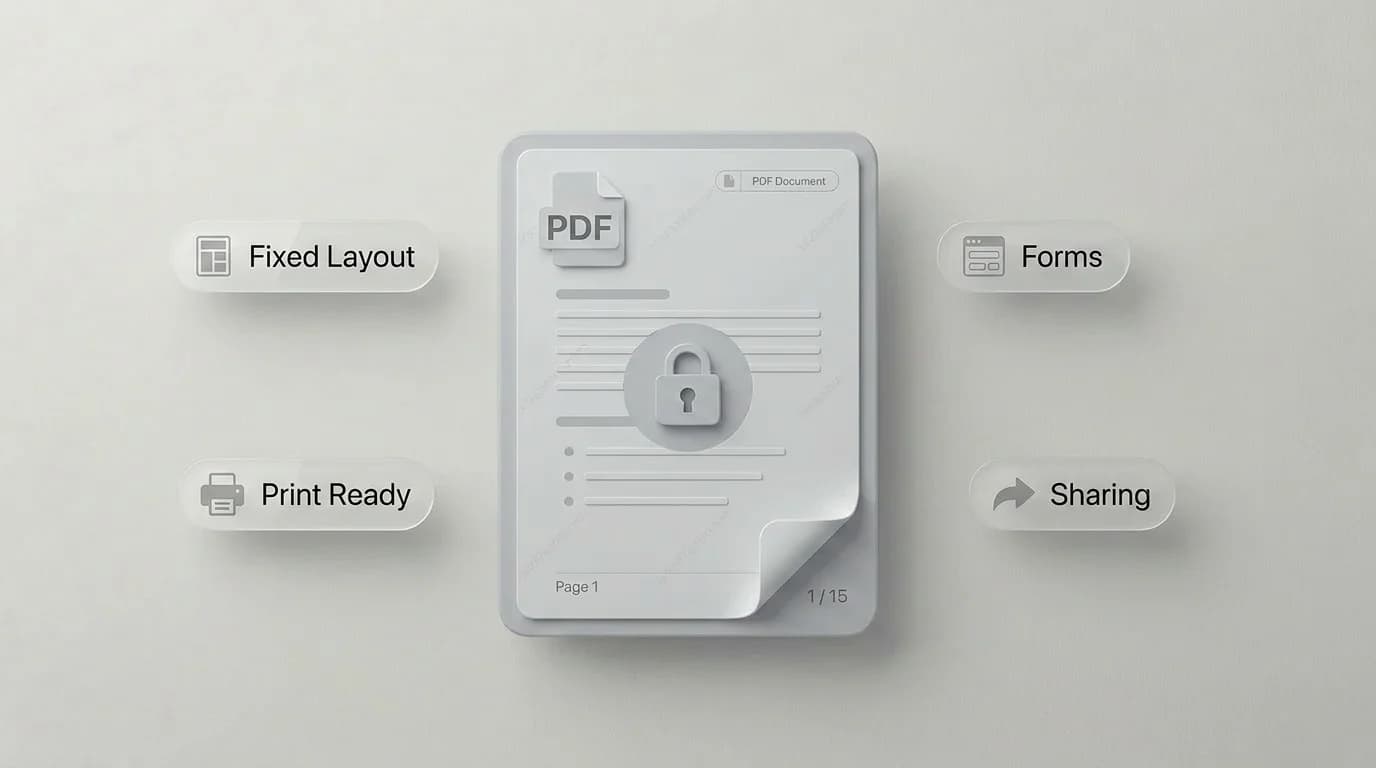
Images in this post are generated with AI.
PDF is the file format people use when they want a document to arrive looking the same on the other end. That sounds ordinary until you have watched a resume shift its margins, a contract lose its page breaks, or a brochure open with every font wrong. PDF exists because documents are fragile.
I like PDF for handoff. I do not love it for editing. That distinction saves a lot of frustration. A PDF is brilliant when the document is finished or nearly finished. It is annoying when someone sends you a PDF and expects you to rewrite it like a normal word processor file.
What is a PDF?
PDF stands for Portable Document Format. Adobe introduced it in the 1990s to solve a simple problem: a document should look the same no matter which computer opens it. Fonts, layout, images, page size, spacing, and print settings can be packaged together in one file.
That is why PDFs are everywhere. Invoices, ebooks, legal documents, manuals, school forms, resumes, reports, tickets, labels, scanned paperwork. A PDF can be read in a browser, printed by an office machine, attached to an email, or archived for later.
What PDF is good at
- Keeping pages visually consistent across devices.
- Packaging text, images, links, and forms into one file.
- Sharing documents that should not accidentally change.
- Preparing files for printing, signing, or archiving.
- Combining scans and photos into a document people can open easily.
The fixed layout is the big win. If you send a PDF resume, the hiring manager sees the same spacing you saw. If you send a PDF invoice, the totals do not jump to a second page because someone lacks a font. That reliability is the whole point.
Where PDF gets annoying
PDFs are not magic. They can be hard to edit, especially when the file started as a scan. A scanned PDF may look like text, but it can actually be one big image per page. You can zoom in and read it, yet copying a paragraph may fail because there is no real text layer.
PDFs can also become large. A few high resolution scans, product images, or embedded fonts can turn a simple document into a monster attachment. If you only need a page preview, converting PDF pages to JPG can be easier than sending the full file.
PDF strengths and limitations
| Need | PDF handles it? | Better option sometimes |
|---|---|---|
| Final document sharing | Yes | Usually PDF is best |
| Heavy editing | Not ideal | DOCX or the original source file |
| Printing | Yes | PDF is usually safest |
| Web photos | No | JPG or WebP |
| Transparent graphics | Sometimes | PNG, SVG, or WebP |
| Scanned paperwork | Yes | PDF with OCR if you need searchable text |
PDF vs DOCX
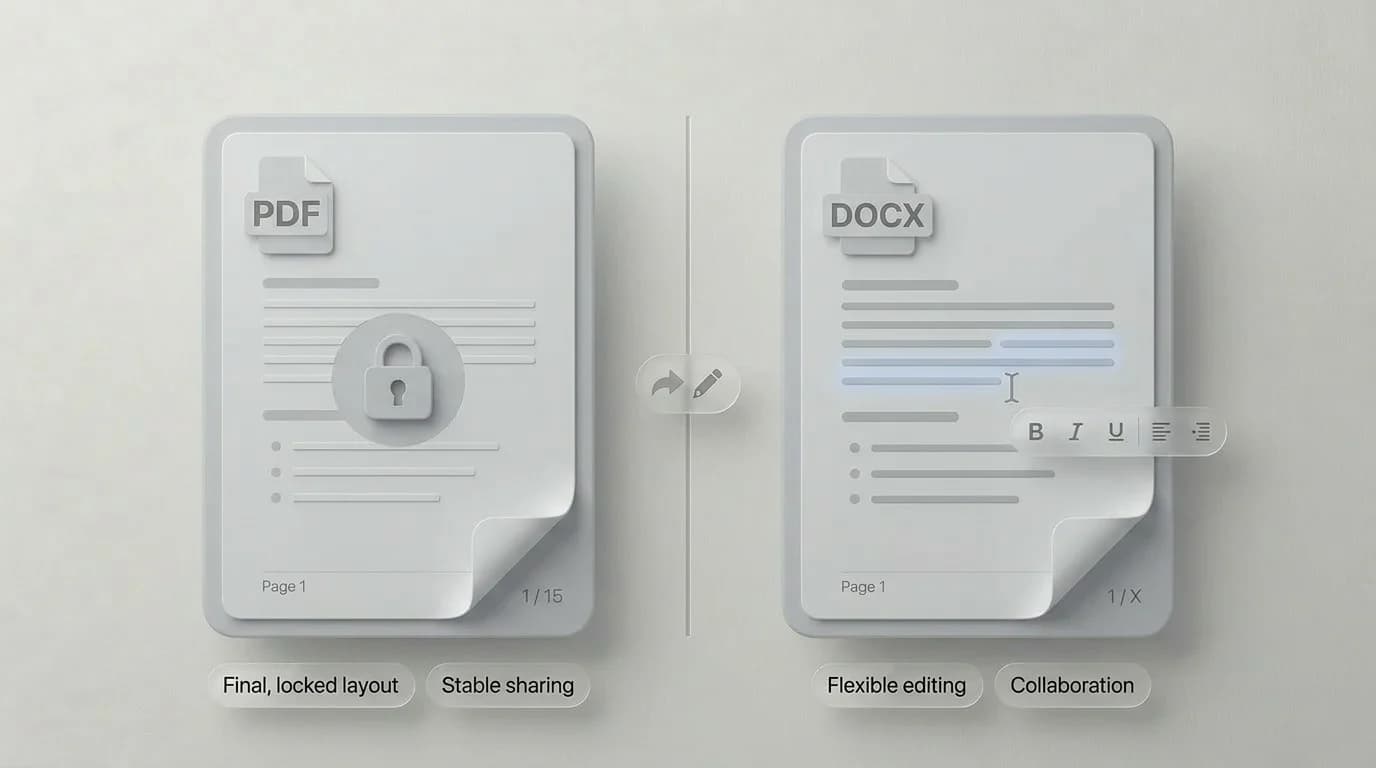
Use DOCX while you are writing and editing. Use PDF when you want the document to stop moving around. That is the simplest rule I know. It is not perfect, but it prevents most common mistakes.
If someone sends you a DOCX and asks for a polished handoff, convert it to PDF. If someone sends you a PDF and asks for deep edits, ask for the source file first. When that is impossible, PDF to JPG or PDF to PNG can still help with previews, thumbnails, and extracting pages as images.
When you should use PDF
- Use PDF for resumes, contracts, invoices, tickets, manuals, and finished reports.
- Use PDF when print layout matters.
- Use PDF when you need to combine several images into one shareable file.
- Use PDF when the receiver should read or sign the file, not redesign it.
How PDF conversion helps
File conversion is not just about changing extensions. It is usually about getting a file into the shape a workflow expects. A form may accept JPG but not PDF. A client may want one PDF instead of twelve photos. A website may need page images instead of a downloadable document. That is what conversion is for.
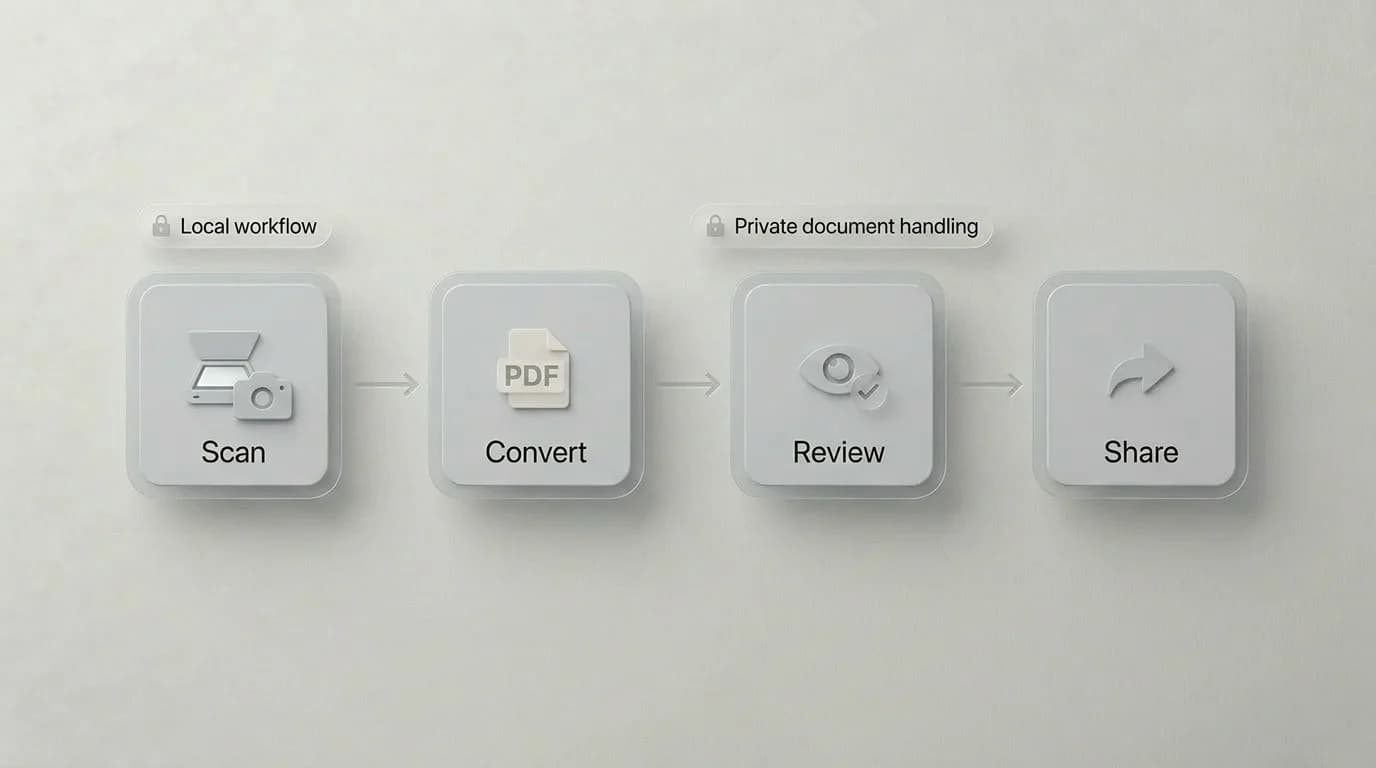
SwiftSave includes browser-friendly tools for common document jobs, including Image to PDF, PDF to JPG, and PDF to PNG. For supported files, the conversion runs locally in your browser, which is exactly what I want for ordinary private documents.
PDF FAQ
Is a PDF editable?
Sometimes, but it depends on how the PDF was made. A clean exported PDF with real text is easier to edit than a scanned PDF that is just an image.
Is PDF better than DOCX?
PDF is better for sharing finished documents. DOCX is better for writing and editing. They do different jobs.
Can images be converted to PDF?
Yes. Converting images to PDF is useful for receipts, scanned forms, ID copies, class notes, and anything that should travel as one document.